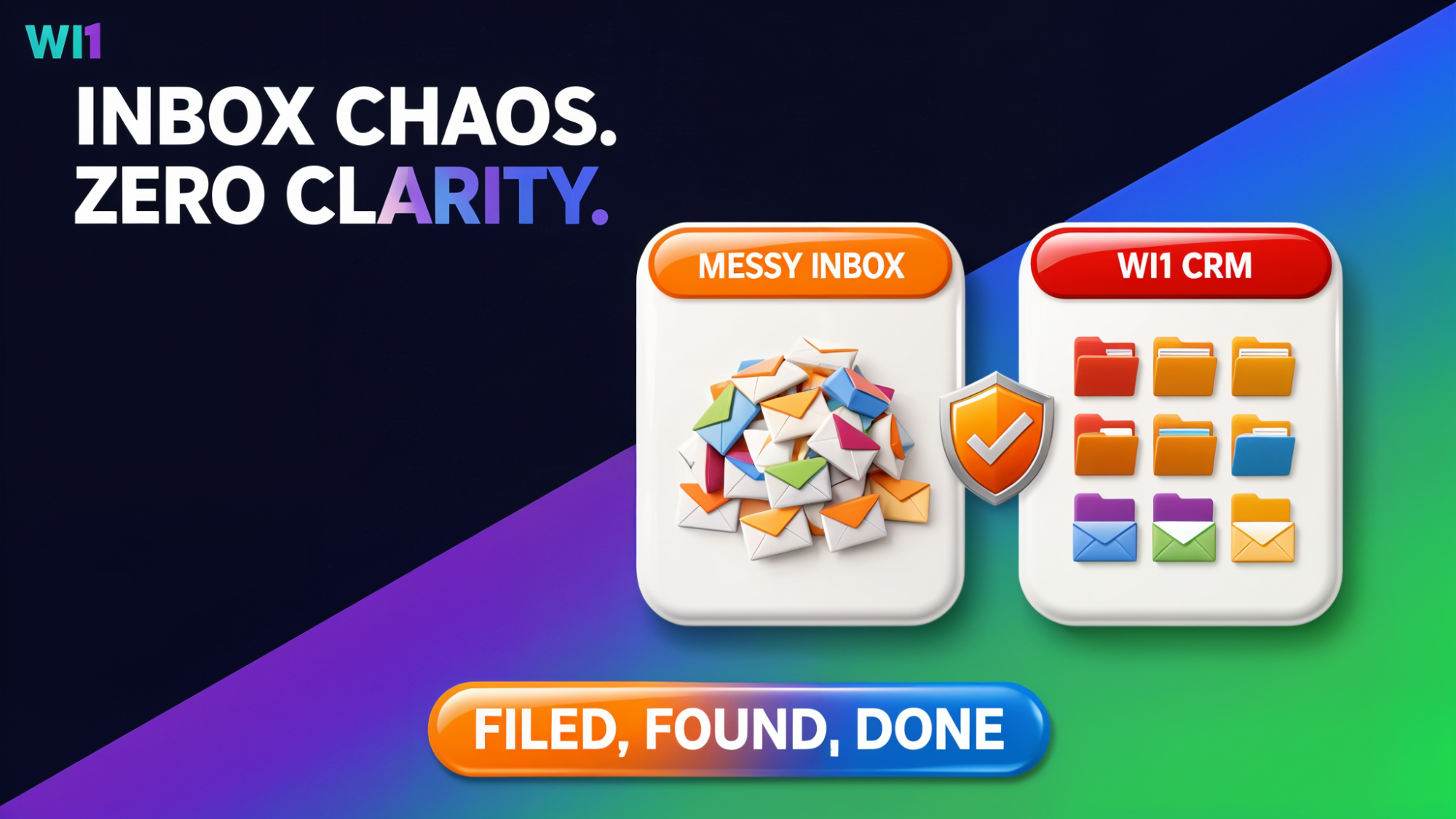
Are you a zero inbox owner or an email inbox slob?
Do you make sure every email that comes in is neatly filed in a folder, deleted or acted upon?
Or do you not care about how messy your email inbox is and just let the 10,000s of emails mount up, many not even opened?
There has never been a study on which is the best way to manage your email inbox, mainly because everyone is different and has different priorities.
Having a clean inbox, to some, ensures you are in control of your communication and know what is going on in your personal or company projects.
However, you might be in the camp that thinks spending time filing emails into folders is just a waste of time, as you can use the search facility to find what you need when you want.
I recently read a report that suggested that people who file emails are 10% less productive than those who don’t.
An interesting thought, filing emails can take time, especially if you receive a huge amount, so it is possible, I guess.
But it isn’t a one-sided argument!
Why file emails?
There are several reasons to file emails into email folders, here are a few of the biggest:
- You are in control of all your communication, you know what is going on in all aspects of your tasks.
You know when someone has replied to you and who you need to reply to. You’re the Boss! - Nothing is missed! It is so easy to miss an email that has come in if you receive loads of them. I hear you, “That is what the unread flag is for”.
You are quite right.
But that doesn’t help you if you opened the email and decided to reply to it later. - There are psychological benefits too, a clean inbox is more appealing than one with thousands of “look at me!” time grabbers.
- Finding emails when you can’t remember what they are called.
We have all been there, haven’t we? “Now what was that email about again?”
You try all the keywords you can think of that might be connected to the email you are looking for, but, for whatever reason, your email client doesn’t serve you with the email needed. Just rubbish! 🙁
By now you are – if you are still reading and haven’t started cleaning your inbox – thinking, Stuart, you must have a solution or suggestion to help?
Well, here goes…
WI1 CRM intelligently files each email for you automatically. You have complete control over all the emails coming into your inbox and decide which type of email gets automatically filed, and which lets you decide.
As for searching for emails, we thought long and hard about our search facility, it is so important, isn’t it?
Ease of use was key, if it isn’t easy to use, why use it!
WI1 CRM search couldn’t be easier, type in your single or group of keywords into the search box and press GO!
We think how the search results are displayed is just as important. We search all areas of the CRM using all combinations of the keywords you entered. It doesn’t matter where the keyword was used, we will find it!
If the keyword was entered into a note of a Contact, it will be found.
If it is used in an email message, we will include it in the search results.
In fact, in any of the many areas within the CRM we search (which is everywhere!), it will be included in the results.
We thought that if you are searching from within the Email section of the CRM, the chances are you are looking for an email with the keywords used, so we put those results at the top of the results.
The same goes for if you were on the Contact page, we will show the results found in the Supplier section first.
It just makes sense!
Don’t worry, we also include the rest of the results underneath.
We search for individual keywords, grouped together words, words in different orders, even upside-down words (well, maybe not upside down).
But what if you don’t know the keyword to search with?
There are other ways to find what you are looking for without using the powerful search facility. If it is an email you would like to find and you know who the email came from but not what it’s about, then you could click on your Contact inthe CRM and see all the emails you have ever had with that person in one place.
The same goes for if you wish to find an email from a Supplier, just select the company and see all your emails.
An automatic email filing system that has a super powerful search facility to find what you need, quickly-quick!
So, at the end of each day, your inbox is empty, all the emails that needed replying to have been, and you are ready for tomorrow!